How to Automatically DM Everyone Who Comments on Your LinkedIn Posts (2026 Guide)
Capture and convert leads from LinkedIn post comments with automated DM sequences, lead scoring, and smart filters.

March 17, 2026 · 16 min read
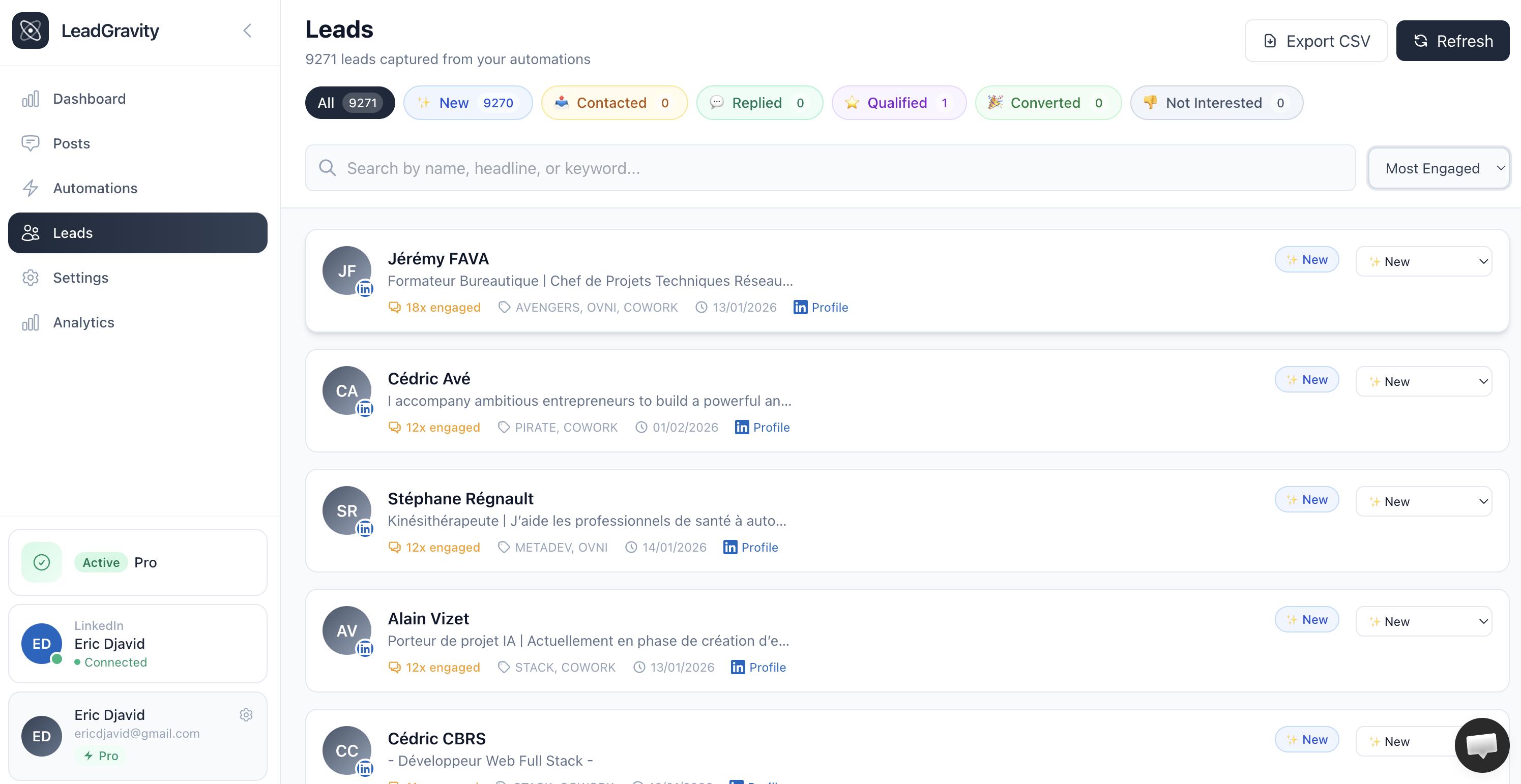
Your post gets 50 comments. But you're manually messaging 6+ hours to reach everyone. By then, half your leads went cold.
What if every comment automatically triggered a personalized DM, captured in your CRM, with conversion tracking?
This guide shows you exactly how to build a LinkedIn comment-to-lead system that converts 40-60% of commenters into qualified prospects.
Why LinkedIn Comments Are Your Highest-Intent Leads
Someone commented on your post. They read it. They formed an opinion. They took 2+ minutes to write a response. That's intent.
Compared to cold outreach (5-15% response), comments get 40-60% response rates because the person already engaged with your content.
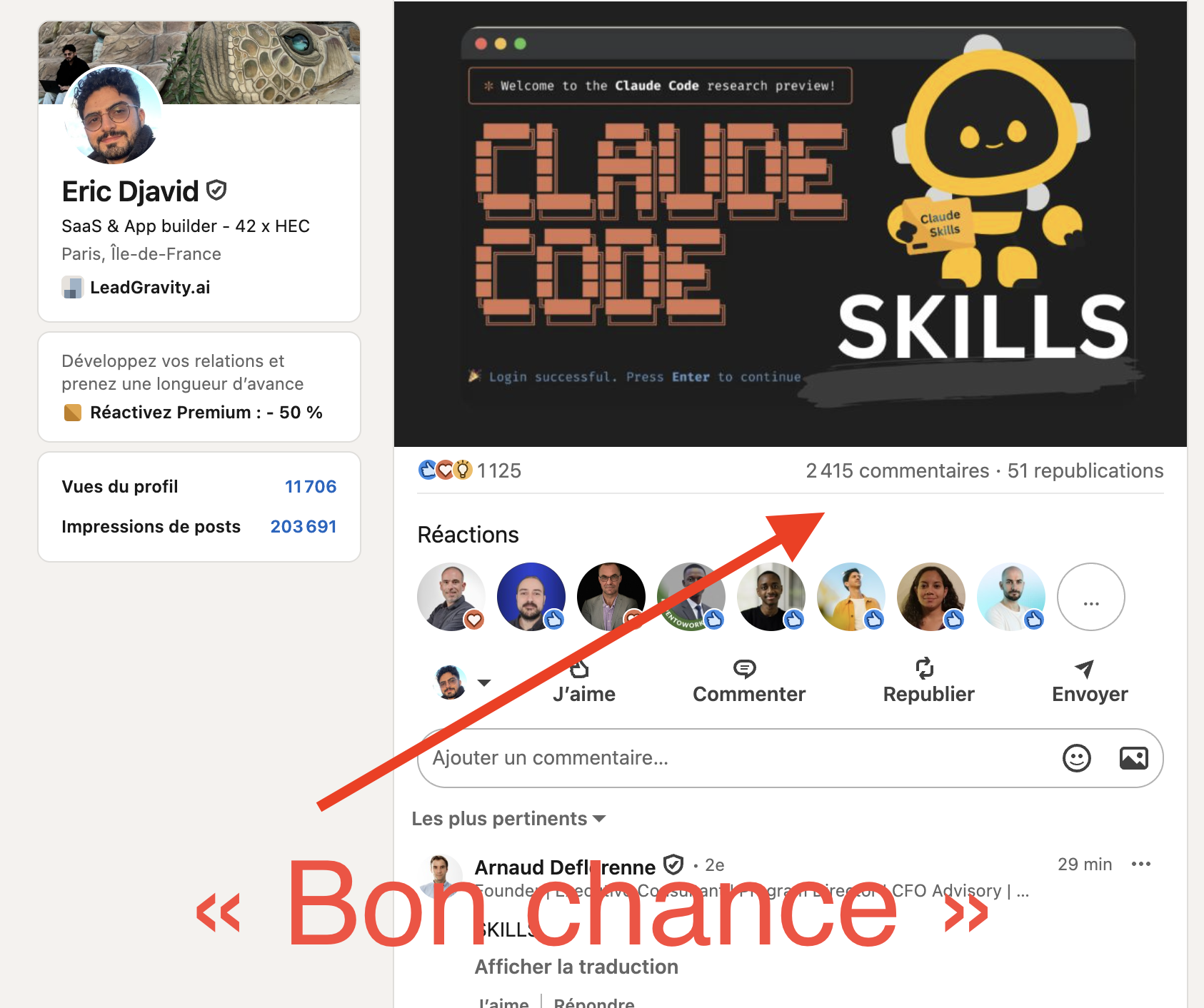
The problem: Manual outreach takes 6+ hours for 50 comments. By then, they've moved on. Most founders skip comment leads entirely.
The opportunity: Automate the response. You can respond to comments in minutes instead of hours, capturing 80-90% of hot leads before they cool.
3 Automation Strategies
Strategy 1: Real-Time Response
Moment someone comments → instantly send a DM with a pre-written template.
Pros: Fastest response, catches hot leads immediately. Cons: Less personalized, generic templates look automated.
Strategy 2: Batch Personalized (Recommended)
Check comments every 6 hours → pull all new commenters → enrich profile data → send personalized DMs → track responses.
Pros: Highly personalized (50-60% response), doesn't look like spam, best ROI. Cons: 4-6 hour delay.
Strategy 3: Smart Lead Scoring
Score each commenter (CEO at ideal company = 10, junior at wrong industry = 2). Tier 1 gets immediate DM. Tier 2 goes to nurture. Tier 3 ignored.
Pros: Maximum ROI, scales to high volume. Cons: Complex setup, requires good data enrichment.
Tools for Comment Automation (2026)
Option 1: Zapier/Make ($200-400/mo)
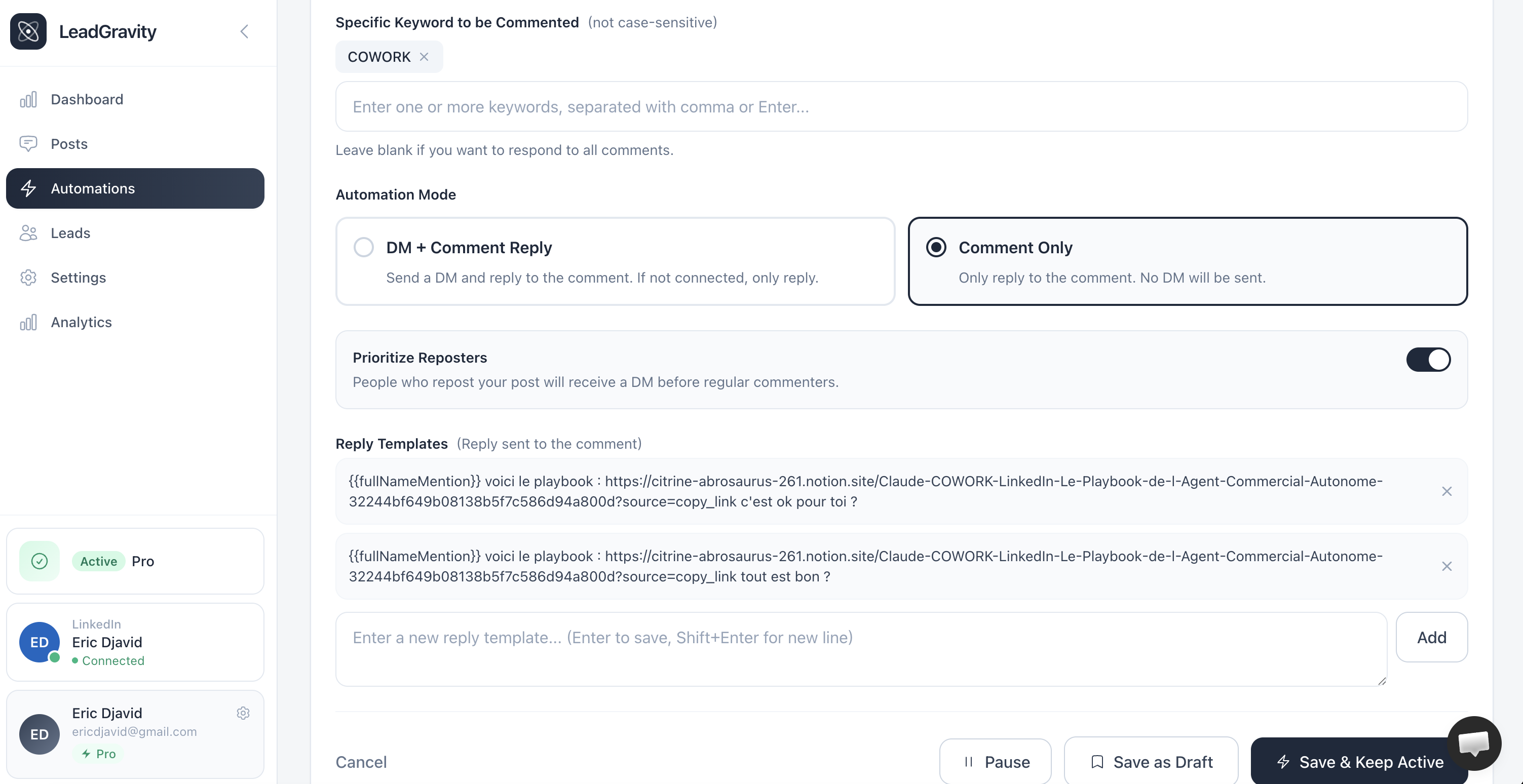
Easiest to start. Native LinkedIn integration. No coding. Trigger on comment → filter by ICP → send DM → log to CRM. Takes 1 hour to set up.
Option 2: Specialized Tools ($300-800/mo)
Expandi, Dripify, LinkedHelper. Built for LinkedIn automation. Includes comment monitoring, DM sequencing, and analytics.
Option 3: Custom Build (for SaaS)
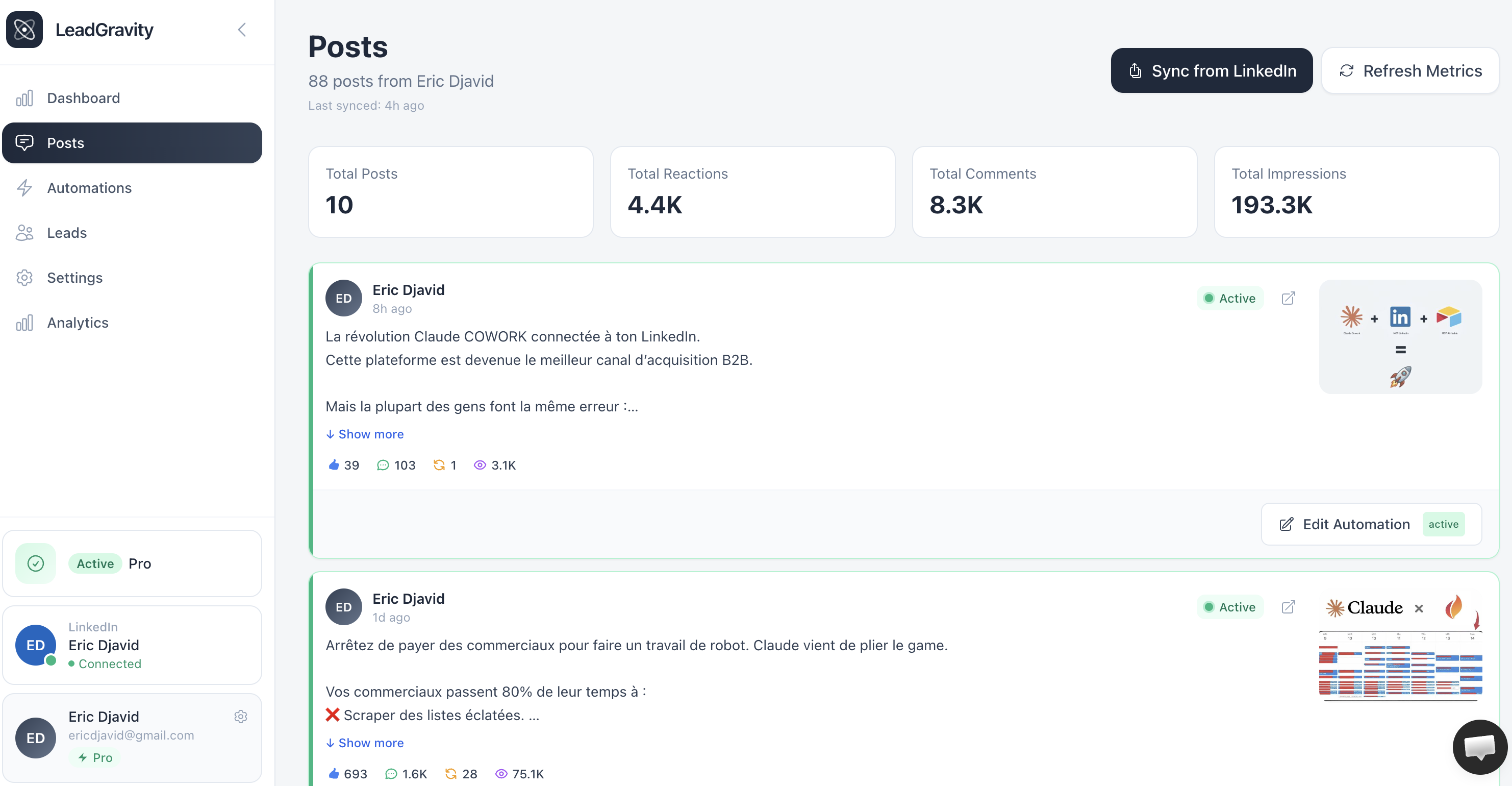
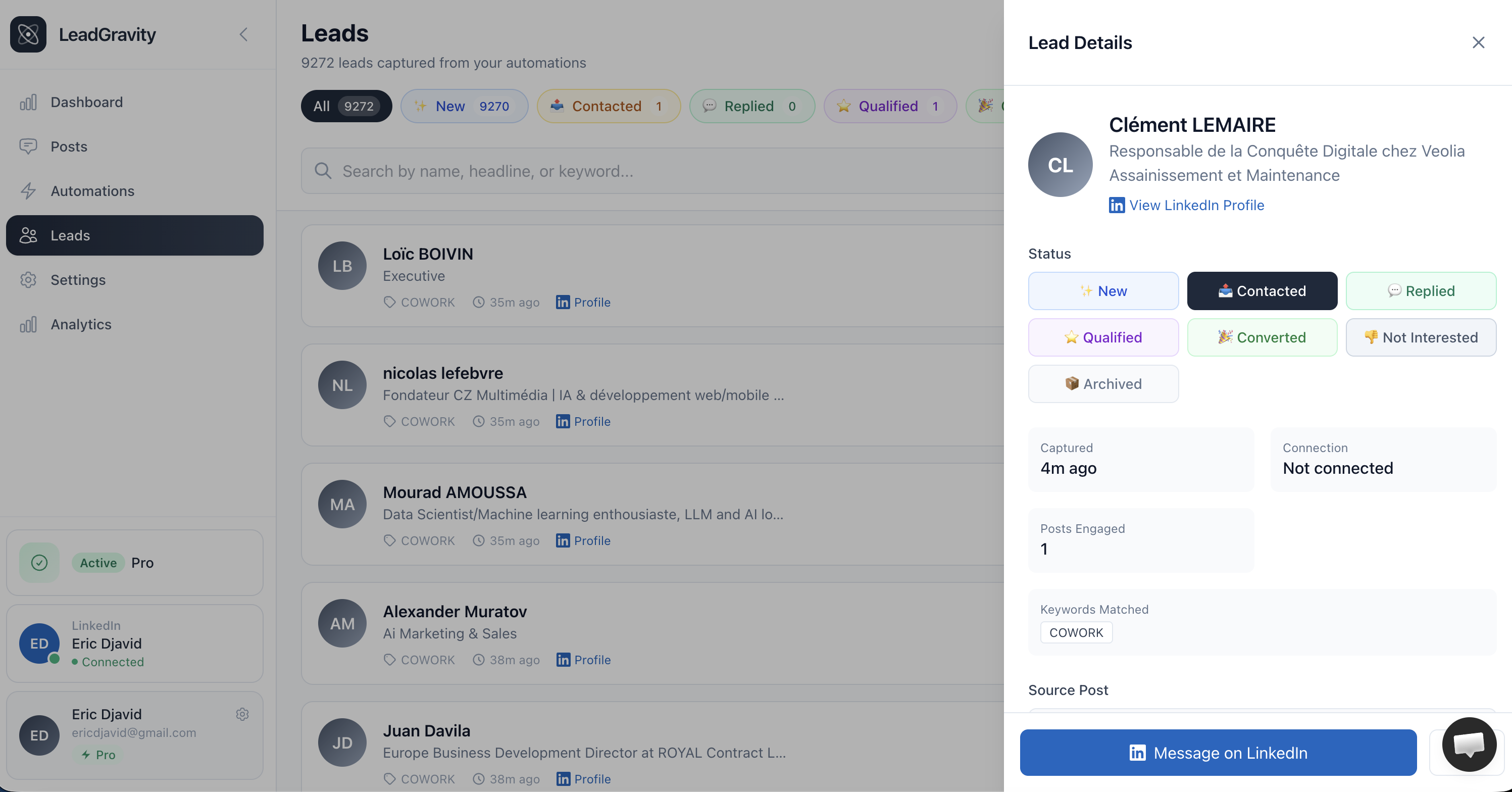
Node.js + LinkedIn API + database. Maximum control. What LeadGravity offers—comment monitoring with full lead scoring and CRM integration.
Your First 30 Minutes
Step 1: Pick a Test Post
Choose one post with 15+ comments, posted in last 7 days, related to your core service.
Step 2: Create a Lead Sheet
Google Sheet with: Name | Title | Company | ICP Score (1-10) | Comment Date | DM Sent | Response
Step 3: Hand-Score Top 5 Commenters
Go to post. Review each comment. Click their profile. Score 1-10: Is this someone you want to talk to?
Step 4: Send First 5 DMs
For score 8+, send: "Hey [Name], loved your take on [what they said]. Most [title]s at [company type] deal with [pain]. We solve this. Worth 15 min?" Track responses in sheet.
Step 5: Automate at Scale
If you get 40%+ response, set up Zapier with your template. Automate the rest.
DM Templates That Convert
Template 1: Reference Their Comment
"Hey [Name], saw your comment about [their quote]. That's exactly the problem most [role]s face. We built a solution that helps [company type] solve it in [timeframe]. Worth exploring?"
Template 2: Company-Based
"Hey [Name], notice you're at [company]. Teams like yours usually deal with [pain from post]. We help similar companies [outcome]. Curious if it's on your radar?"
Template 3: Problem-First
"[Name], your comment tells me you understand [problem]. Most don't. The teams we work with [specific outcome]. Quick call to explore?"
Mistakes to Avoid
❌ Messaging everyone: Filter by ICP. Sending generic messages to juniors destroys your sender reputation.
❌ Waiting 24+ hours: Response rate drops 30-40% per hour you wait. Automate to respond within 2-4 hours.
❌ Generic templates: "Thanks for commenting, let's connect" = delete. Reference their comment, title, company.
❌ Repeat messaging: Don't message the same person twice. Log everyone you've messaged.
❓ Frequently Asked Questions
Is it safe to automate LinkedIn DMs?▼
What response rate can I expect?▼
Do I need LinkedIn Premium?▼
How many DMs can I send per day?▼
LinkedIn comments are the highest-intent leads you'll ever get—for free. Every comment is someone raising their hand. The only question is whether you respond fast enough.
Start manual with 5 DMs today. Measure your response rate. Then automate what works. The gap between "50 comments" and "20 qualified meetings" is just a system.
Ready To Grow
Your LinkedIn Brand?
Start Now and Get your LinkedIn Lead Magnets Automated for Free
Sign-Up For FreeFree 7-day trial - Cancel anytime
Written by
Eric DjavidFounder of Lead Gravity. I help entrepreneurs automate their LinkedIn lead generation.
View profile