Publication calendar
View and manage your scheduled and draft posts in a calendar.
The Calendar gives you a bird's-eye view of all your posts: drafts, scheduled, and published. It's your content publishing control center.
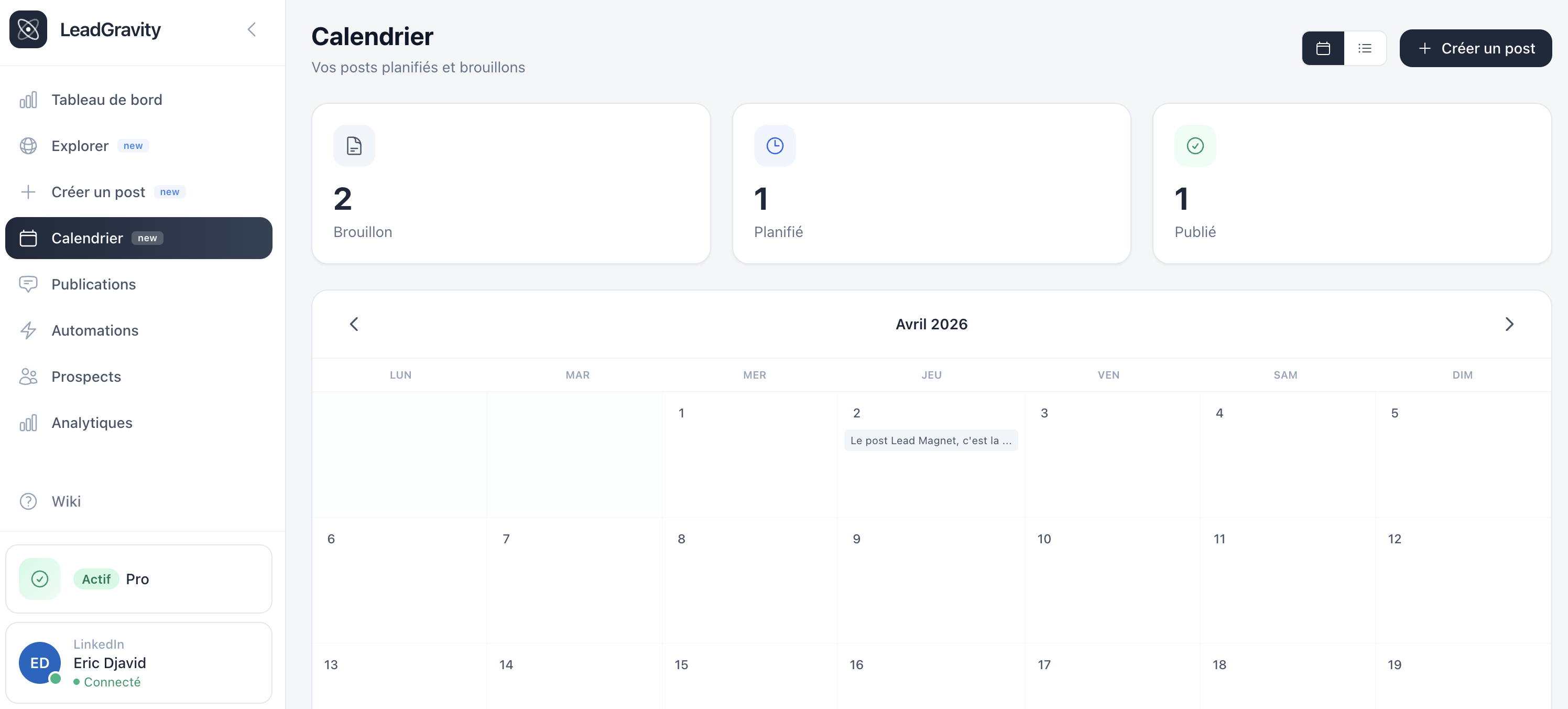
Calendar view
By default, posts are displayed in a monthly grid. Each post appears on its corresponding day, color-coded:
- Gray: draft
- Blue: scheduled
- Green: published
- Red: failed
List view
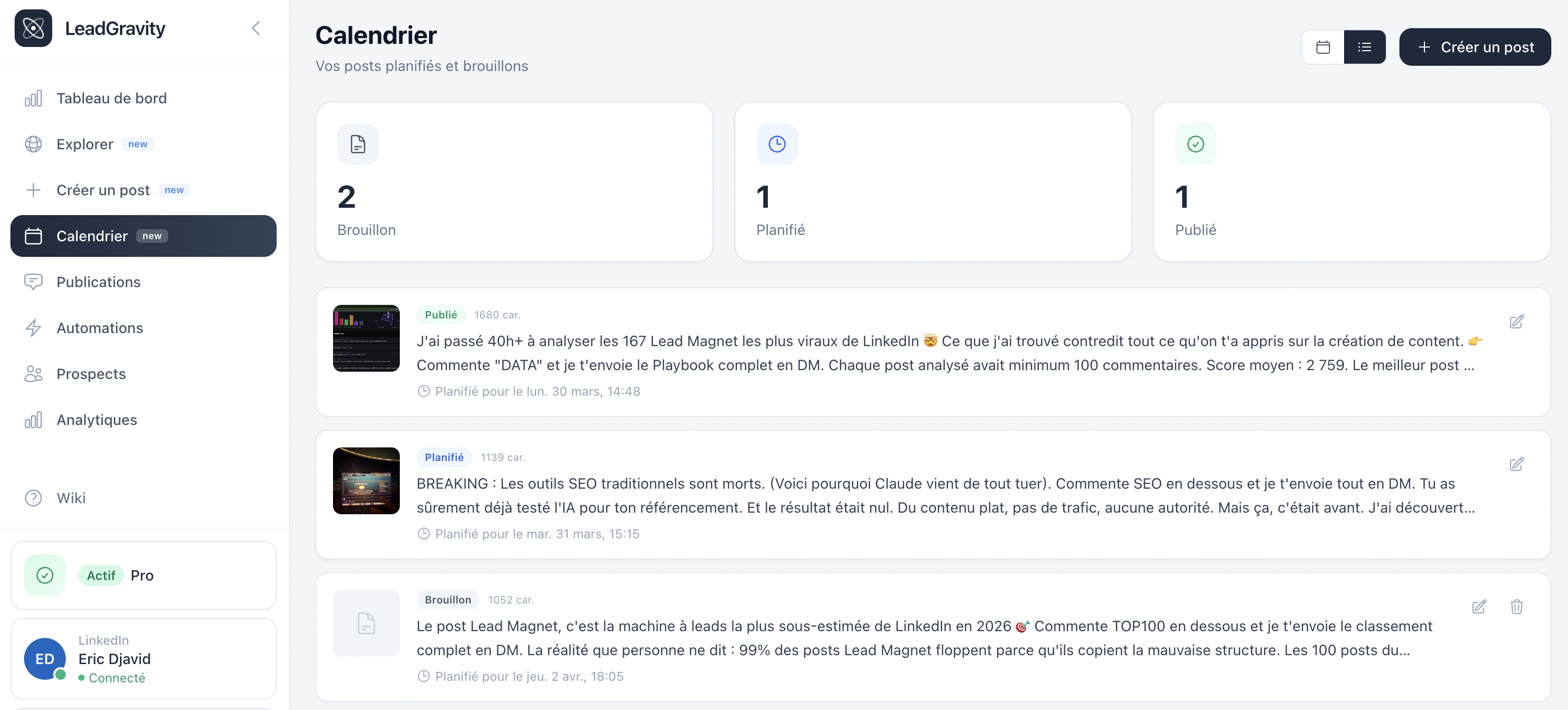
Switch to list view with the toggle in the top right. This view shows all your posts with more detail: status, text preview, scheduled date.
Edit a post
Click any post in the calendar or list to open it in the editor. You can:
- Edit the text and image
- Change the scheduled date (post will be automatically rescheduled)
- Revert a scheduled post to draft (cancels auto-publish)
- Duplicate a published post as a new draft
Quick stats
At the top of the page, three counters show your drafts, scheduled posts, and published posts.
Good to know
Scheduled times are based on your browser's timezone. If you see an offset, check that your browser is set to your local timezone.