Webhooks
Get real-time notifications when Lead Gravity captures a lead or sends a message.
Webhooks let you connect Lead Gravity to your external tools (CRM, Slack, Zapier, Make, etc.) by sending real-time HTTP notifications.
Set up a webhook
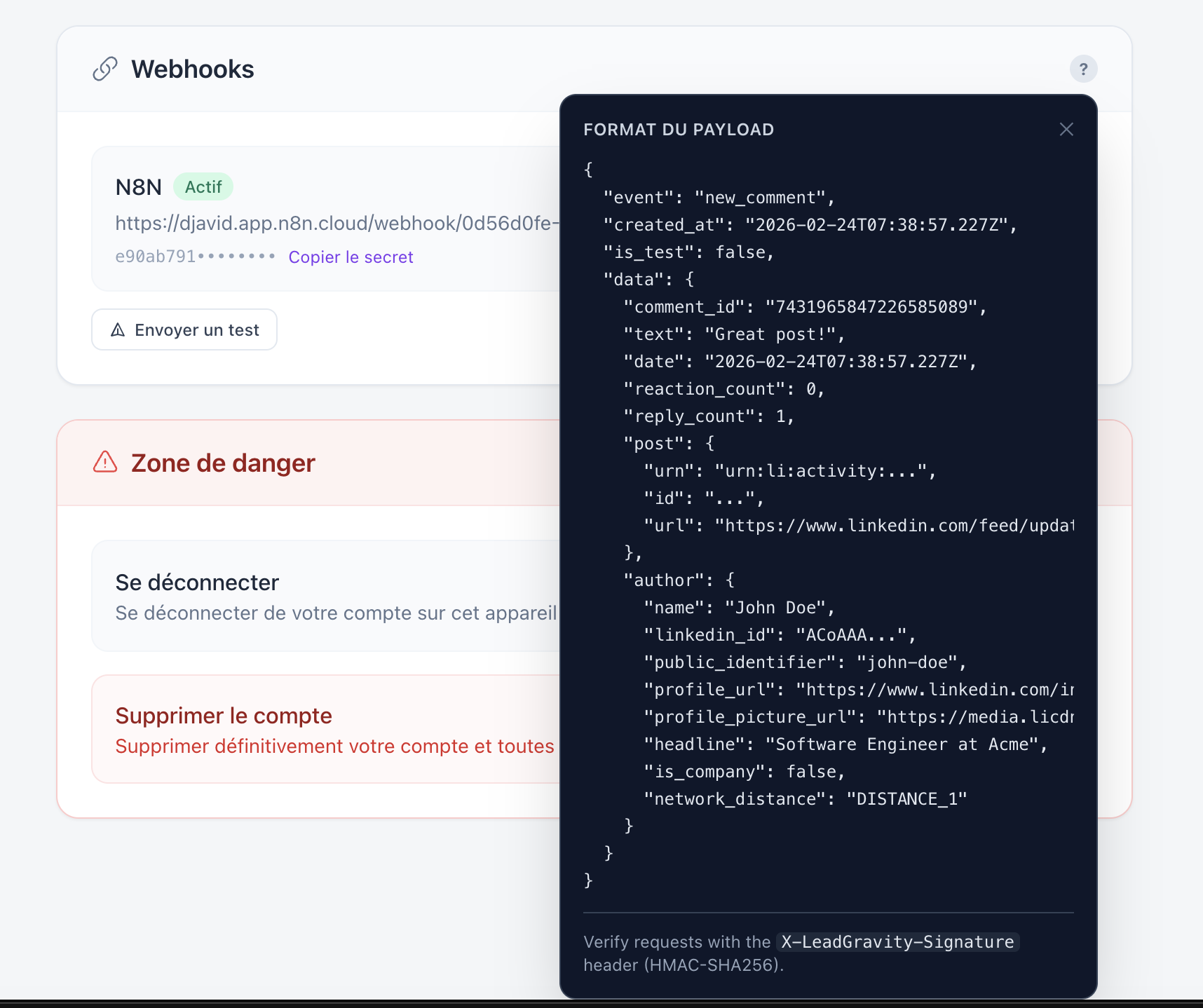
Go to Settings > Webhooks to add a destination URL. Each triggered event will send a JSON payload to that URL.
Typical use cases
- Push new leads directly to your CRM (HubSpot, Pipedrive, etc.)
- Get a Slack notification for each new lead
- Trigger a Zapier/Make workflow to enrich lead data
Good to know
Each webhook delivery is logged with its status (success/failure) so you can easily debug your integrations.